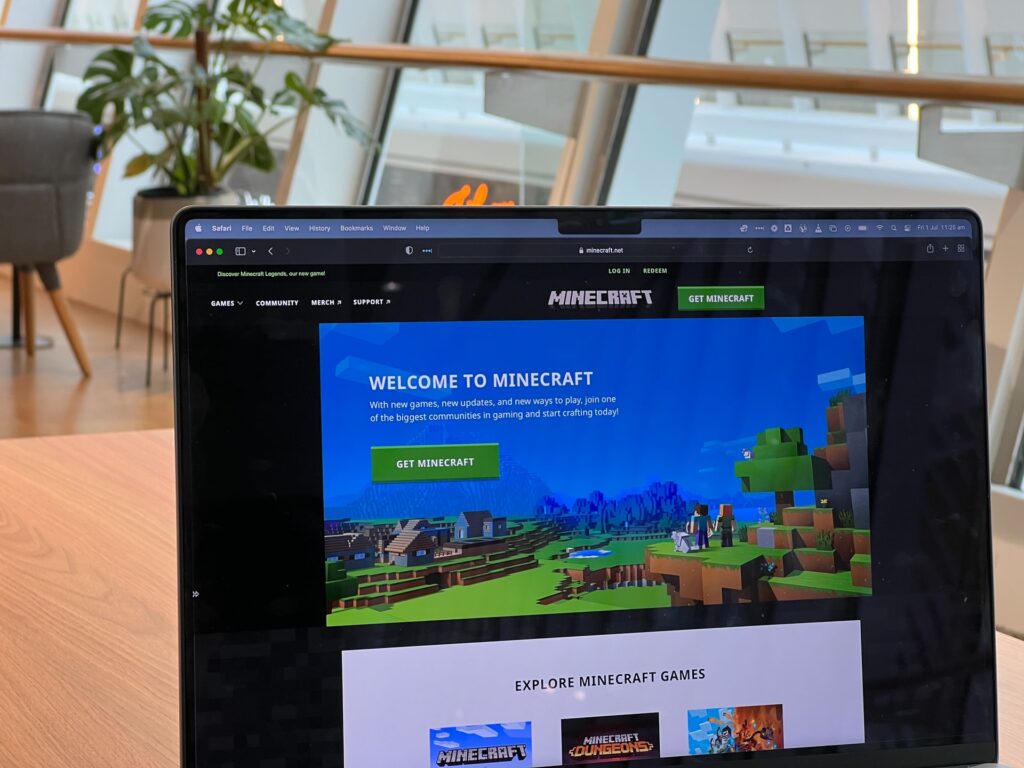
Kids these days are always looking for ways to improve their skills in coding. And one of the most popular games for them to do this is Minecraft.
The game is chock-full of code, and it’s a great way to teach kids coding skills. But what if they want to take their skills to the next level? How can they maximize the fps on Minecraft?
In Minecraft, there are a few things you can do to improve your FPS. This will help make the game smoother and easier to play. By following these simple tips, you can enjoy Minecraft more without any frustrating hiccups.
What Does FPS Stand For?
FPS, or frames per second, is a measure of the quality of your connection to a server. A higher FPS means that your connection is faster and more stable, which results in a smoother gameplay experience.
Minecraft is a resource-intensive game, so having a high FPS is essential for being able to play it effectively. If you’re experiencing lag or other issues with your connection, increasing your FPS can often help to improve things.
There are a few different ways to do this, including changing your in-game settings and updating your graphics drivers. You can also try connecting to a server that’s closer to your location. By taking these steps, you can help to ensure that you have the best possible experience when playing Minecraft.
Close RAM-intensive Tasks
One of the most important things you can do to improve performance on Minecraft is to close any RAM-intensive tasks. This includes applications such as web browsers, chats, and email programs.
When these programs are running in the background, they use up valuable resources that could be used by Minecraft. As a result, your game will run more slowly and may even crash.
In addition, it’s a good idea to close any applications that you’re not using. Many programs continue to run even when you’re not using them, and this can have a significant impact on your computer’s performance. By taking a few minutes to close unnecessary programs, you can significantly improve your FPS in Minecraft.
Update Your Graphics Driver
Another way to improve the fps in Minecraft is to update your graphics driver. This can be done by visiting the website of your graphics card manufacturer and downloading the latest driver for your card.
Once you have downloaded the driver, install it on your computer and restart Minecraft. You should notice a significant improvement in your fps.
Increase Your RAM
You may also want to consider increasing the amount of RAM in your computer. This will allow the game to run more smoothly and use fewer resources. This can be done by adding more RAM modules or by replacing smaller modules with larger ones.
If you have enough empty slots, you can even add an extra graphics card. These are just a few ways to improve the fps in Minecraft. With a little experimentation, you should be able to find the perfect combination of settings for your computer.
Change In-game Settings
Minecraft is a game that is known for its high level of customization. One of the ways that players can customize their game experience is by adjusting the settings to maximize the fps, or frames per second.
By doing this, players can ensure that they are getting the most out of their game and that their computer is running as efficiently as possible. There are a few different methods that can be used to adjust the settings and achieve the desired fps.
The first is to use an in-game setting. This can be done by going into the options menu and selecting the “performance” option. From here, players can select what kind of performance they want from their game.
Players can also use mods to change their game settings. Mods are pieces of software that can be downloaded and installed into the game, giving players a wide range of options for customizing their experience.
There are many different mods available, so it is important to find one that works well with the player’s goals for fps optimization. By following these steps, players can maximize their fps and enjoy custom gaming.