


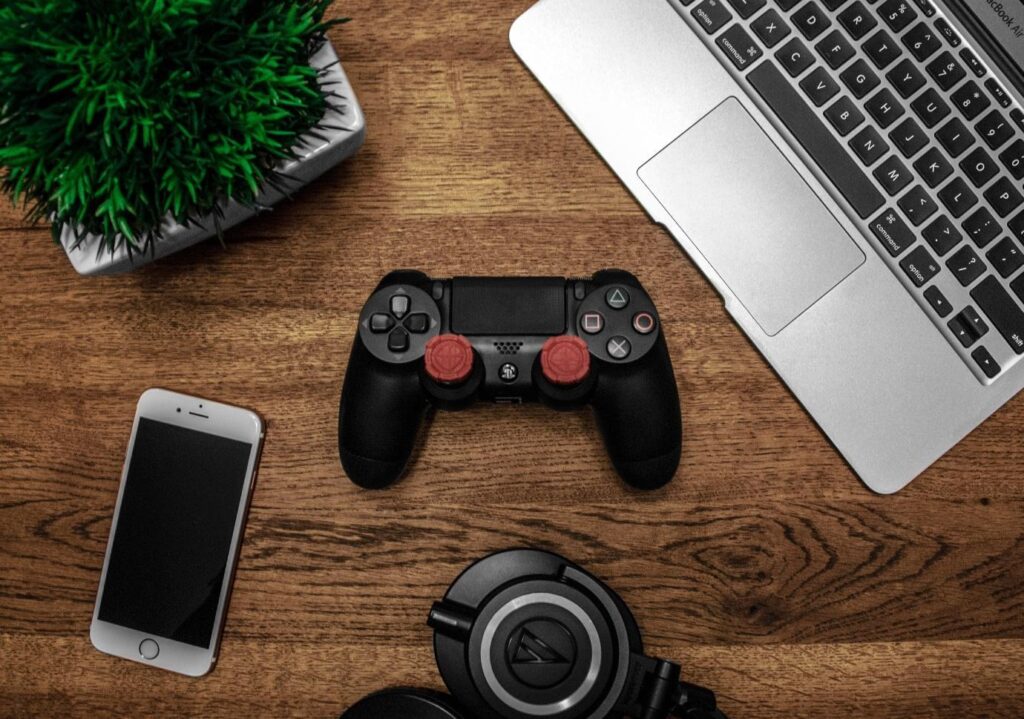
The biggest challenge gamers face on YouTube is producing high-quality gameplay footage. In some cases, gamers upload their videos only to realize that the footage doesn’t have the same quality it had before uploading it.
There are many reasons why you can experience degradation in quality when you upload your videos to YouTube. In this post, we’ll explain some of the common factors that affect video gameplay footage and how to solve the problem. Read on to find out more!
Factors That Can Affect Gameplay Video Quality
Statista reports that there are now 431,000 unique streaming channels on YouTube Gaming Live. In 2021, PewDiePie was rated the most popular gaming YouTube channel with over 110 million subscribers.
With that being said, you can see how popular the gaming industry is. So, if you don’t produce high-quality gaming footage, you could lose your audience and tarnish your reputation. Here are common factors that affect the quality of your gameplay footage:
- Video brightness: The video’s brightness may look correct on your screen, but it may not show the same results on your viewers’ screens. Increase your brightness slightly when you play, so it doesn’t look dark on the viewer’s side.
- Color saturation: If you have too little color saturation, your videos will look dull. But too much saturation and the colors will look neon. It’s best to leave your color saturation settings, so you’re not experiencing issues with it during recording.
- Resolutions: Platforms such as YouTube only support certain resolutions. If you upload a video in a higher resolution, the platform may downgrade it. You must upload videos in a resolution that’s accepted, such as 4K or 1080p.
Now let’s move on to solutions that can enhance your footage. Whether you’re producing a Let’s Play video or a review, the tips in this next section will assist you.
Choose The Right Equipment
Your output is only as good as your input. This means that the quality of your gaming footage will depend on the type of hardware you’re using. To begin, you’ll need the following:
- A gaming computer or laptop. Most players use computers as opposed to gaming laptops because it’s easier to install high-end graphics cards and hard drives.
- High-resolution computer screens are necessary if you want to produce the best quality gameplay videos.
- You’ll need a camera to record your videos. You can either choose a webcam or a camera with a tripod. Webcams work well for live-streaming too.
- Most gamers use headsets with microphones. These devices block out background noise, so your audience will only hear you speaking and the sounds within the game. With a headset, you’ll be able to hear what’s happening inside the game, too.
- Gaming mouse and keyboards enhance your gameplay performance. You need the right mouse to feel comfortable and to play the game correctly as you’re recording.
Once you have all your equipment set up, you’ll then need to invest in the correct software to record your gaming videos.

Grab The Latest Gameplay Recording Software
Although you have a webcam or stand-alone camera, you’ll still need gameplay recording software. This captures your screen, so your viewers can see the game that you’re playing. The recording software you choose must allow you to adjust settings and edit your videos.
You can also install a capture card into your PC, which allows you to deliver your video stream for processing on your PC if you’re playing games through Xbox or PlayStation.
Gameplay Video Editing Software
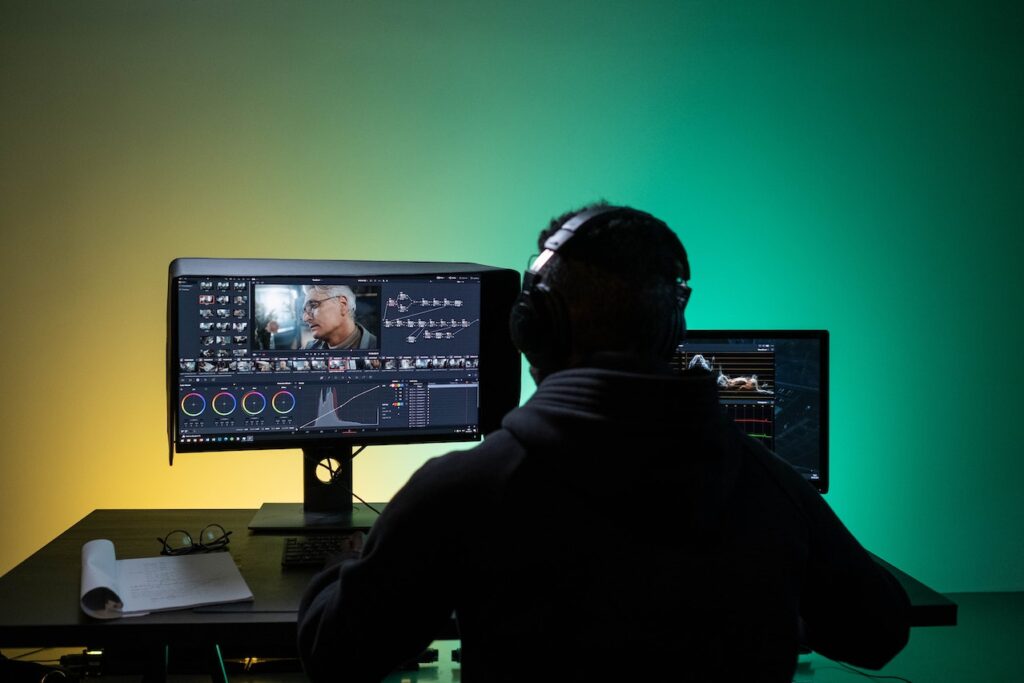
Before you upload your gameplay video to YouTube or a platform of your choice, we recommend using editing software for a more polished look. With editing software, you can add extras such as animations, and sound effects or add a blur effect for video.
Editing software is ideal for making shorter clips if you’re reviewing a game. You can also use transitions when changing levels or characters in the game. Lastly, you can add subtitles to your clips or even a watermark on your videos so no one can plagiarize your content.
Best Practices To Enhance The Quality Of Your Videos
Even if you have top-of-the-range equipment and software, you won’t be able to produce high-quality gaming videos if you don’t know how to operate your setup. In this section, we’ve provided best practices for enhancing the quality of your gameplay footage.
Increase Resolution And Frame Rate
The frame rate and the resolution can enhance the quality of your gaming video if you know how to do it correctly. As a rule of thumb, you should record in 1080p and at 60 frames per second. There is no point in recording in a resolution that’s higher than your game because Google will simply downgrade your quality if you’re uploading footage to YouTube.
Furthermore, a higher frame rate will fix any quality problems. Your videos won’t look choppy, and the movement and gameplay will look smooth. If you’re recording in a higher frame rate, ensure your graphics card can handle the load.
Lower The Use Of Graphic Settings
Recording and playing your game at the same time may be demanding on your computer’s processors. The frame rate on your game will drop, and you’ll experience major lag. You can adjust intensive graphics on your game to improve its quality while you play.
Intensive graphics include:
- Shadows and highlights in the background
- Textures
- Detail on surfaces such as armor or facial features
- Hair physics
Lower these graphics just enough to create smoother gameplay, but not too much as to lower the quality of the graphics.
Check What’s Using System Resources
Before you start your gaming or recording, you should close all apps and processes running in the background. By closing unnecessary programs, you’ll free up resources on your PC, which will then be used to run your game and your recording software.
If you’re using Windows 10 consider changing your settings to Game Mode which is designed to improve the performance of your PC when gaming.


Adjust Bit Encoding Rates
Higher bit rates on PCs allow you to capture more content, which will also improve your gameplay footage or video effects. But you must correctly adjust your bit encoding rate because if it’s too high it will create a longer buffering time.
Experts suggest that gamers should record at a bit rate of 6 Mbps for 1280×720 recordings or 8 Mbps for 1920×1080 recordings. However, if you’re recording in 1080p, you should consider recording at a bit rate of 12 Mbps to get higher-quality footage.
Use Video Encoding Applications
Some graphics cards have built-in encoding apps. For example, if you have an Intel processor, you may have an app called Quick Sync. You’ll then be able to compress or decompress digital videos once recorded. If you don’t have a video encoding app, you can find one through Google.
You can then change the format of your video to one that’s compatible with the platform you want to upload it to.
Final Thoughts
Your gaming YouTube channel is essentially your brand, so if you upload low-quality gaming videos, your audience may lose interest in your content. Spend time adjusting your settings to ensure your gameplay video footage runs smoothly during recording and when you upload your content.
Once you get the basics of recording your videos right, you can start working on the personality of your channel and the type of audience you want to attract. Use the tips in this post to assist you.